
Wallet Guide
1. Wallet Screen
| Screen | Description |
|---|---|
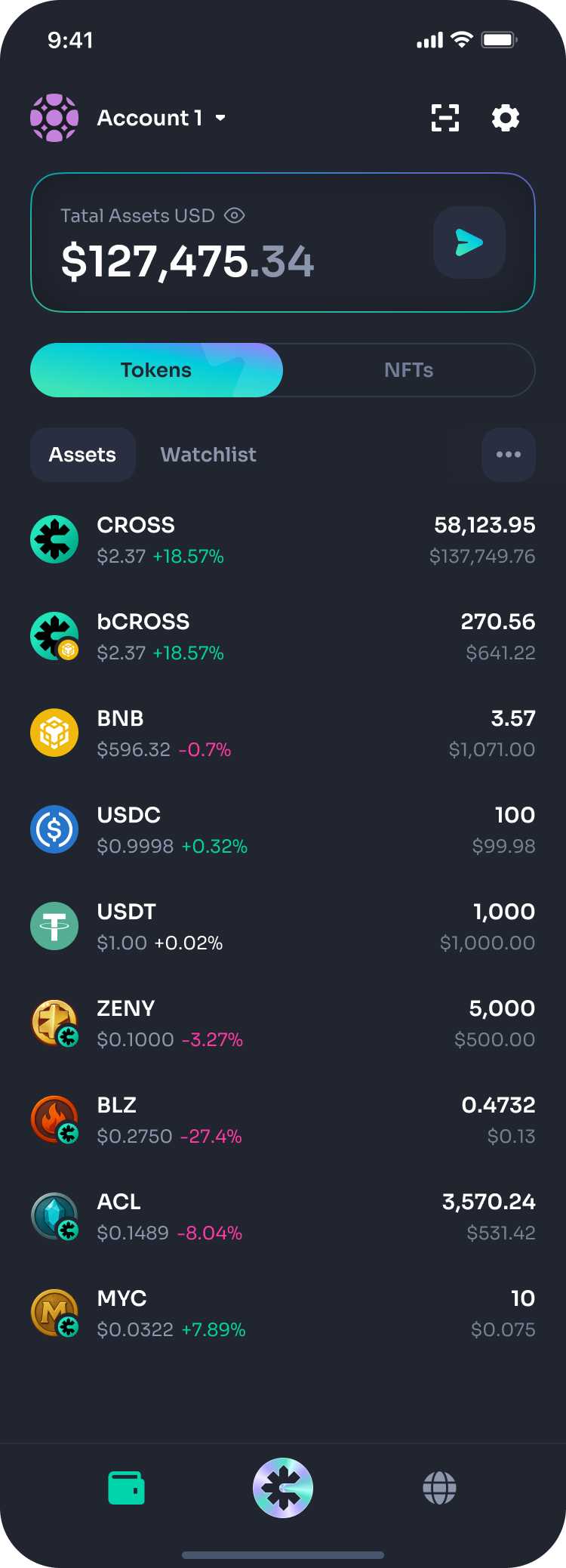 | Overview
|
2. Token Detail Screen
| Screen | Description |
|---|---|
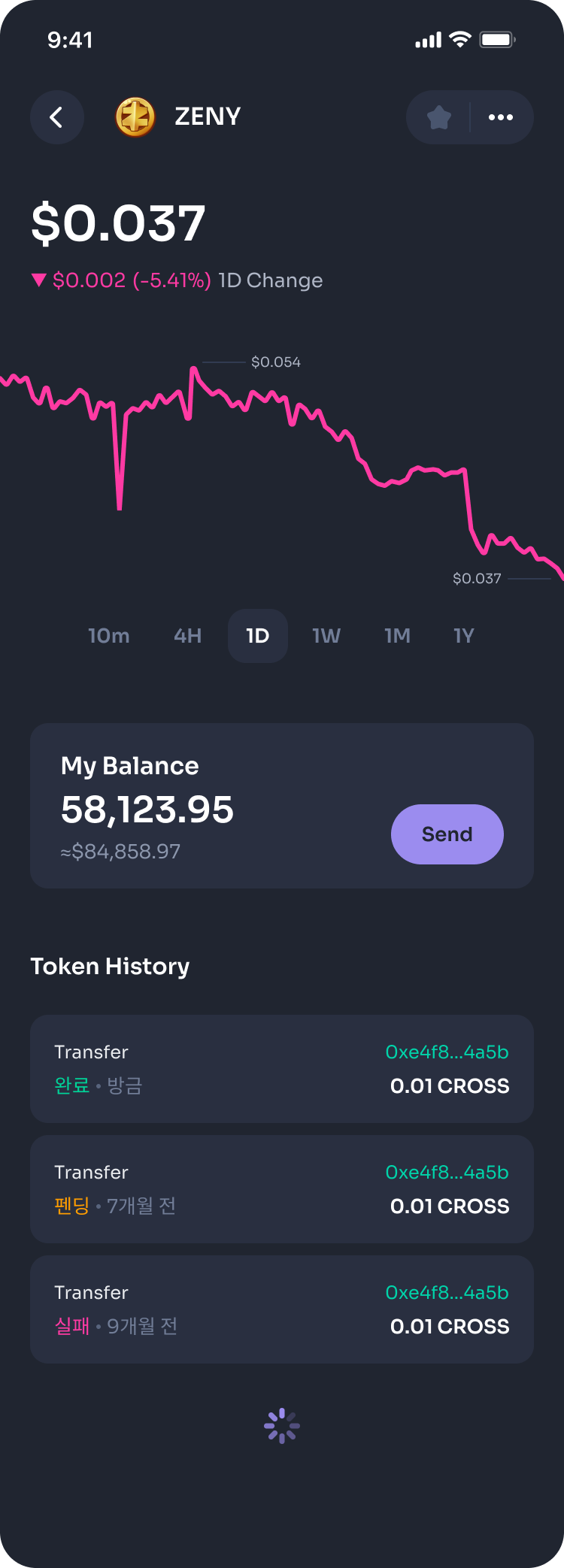 | Overview
|
3. Transfer Screen
Overview
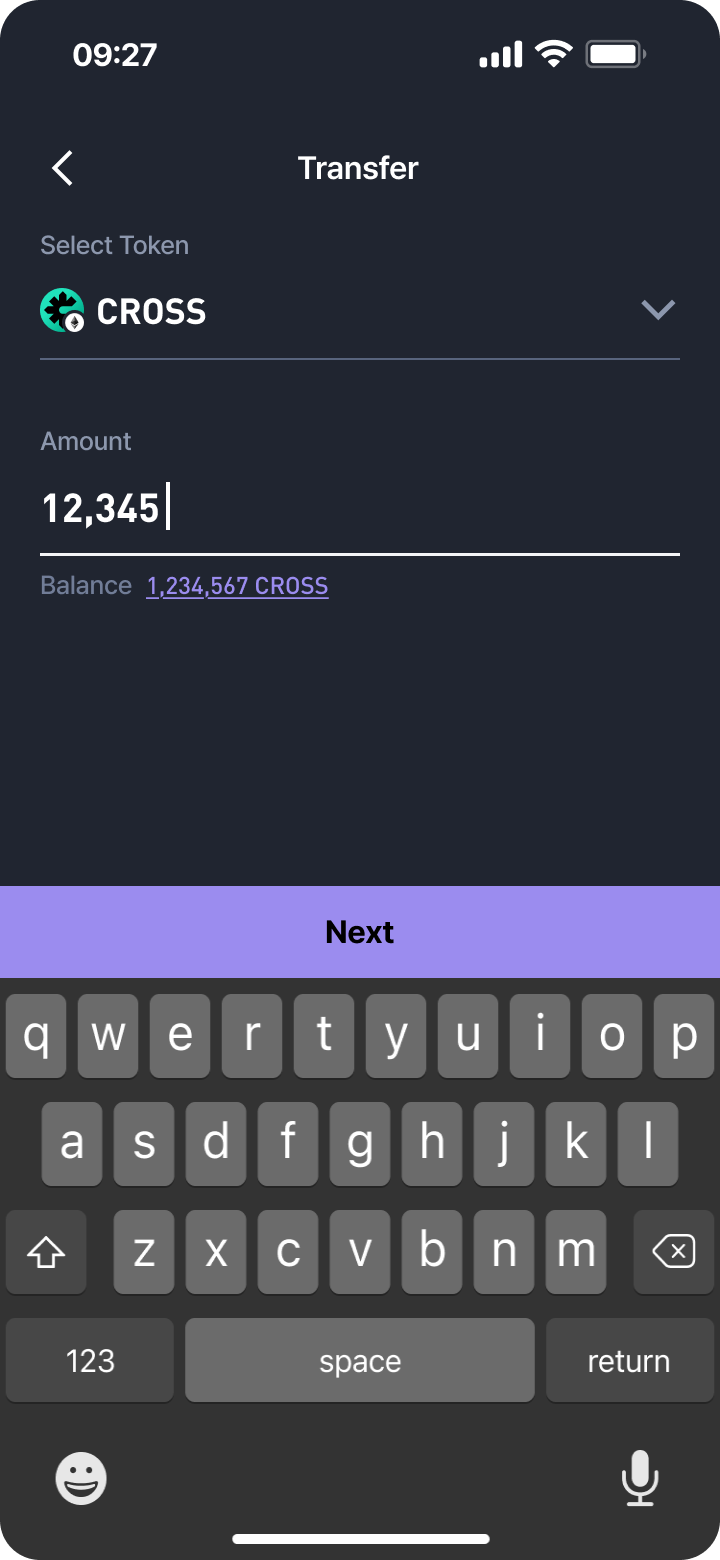
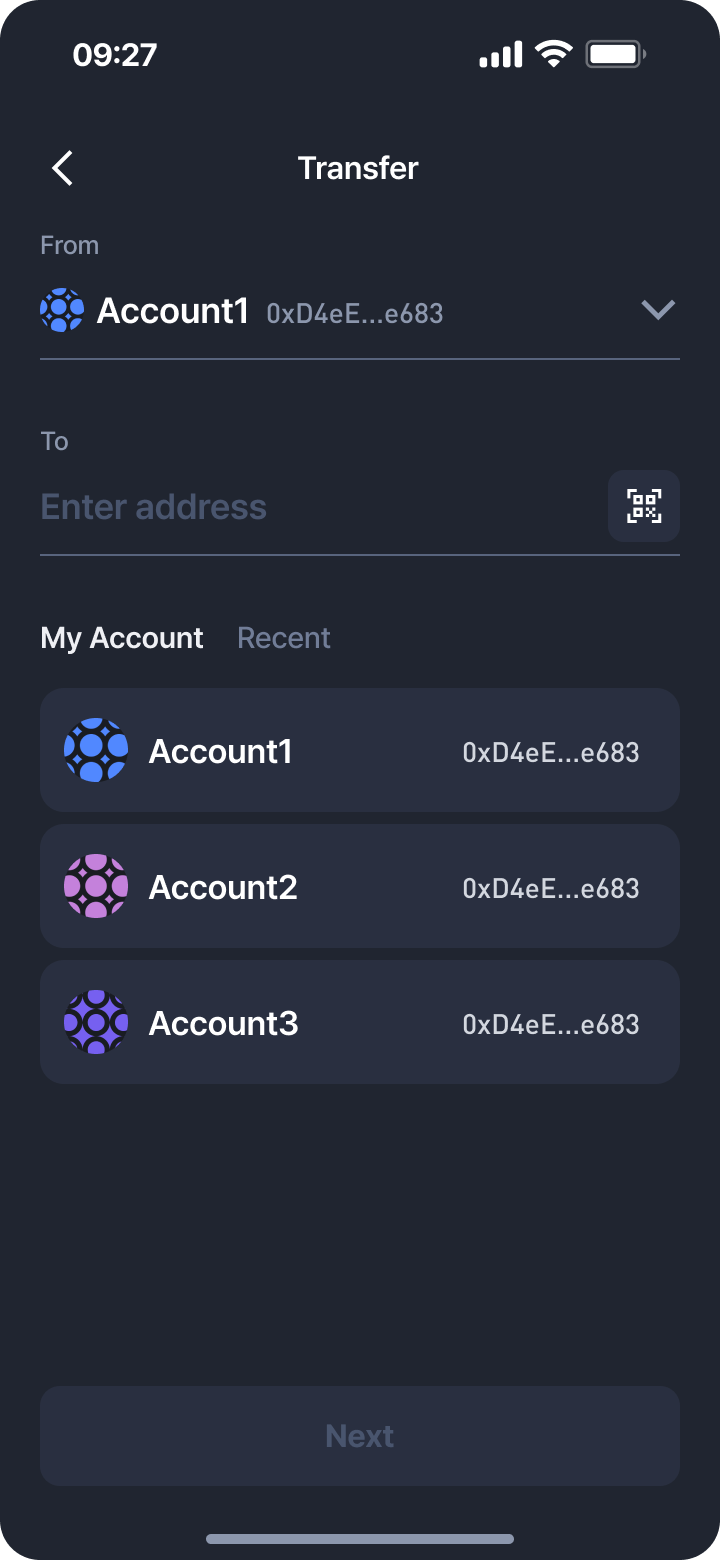
Allows users to send a selected token to another address through a guided process.
 |  |  |  |
|---|
Process Steps
-
Select Token & Enter Amount
- Choose the token to transfer
- Enter transfer amount
- Display available balance
-
Enter Recipient Address
- Manually input or select from recent transactions / My Accounts
- QR code scanning supported
-
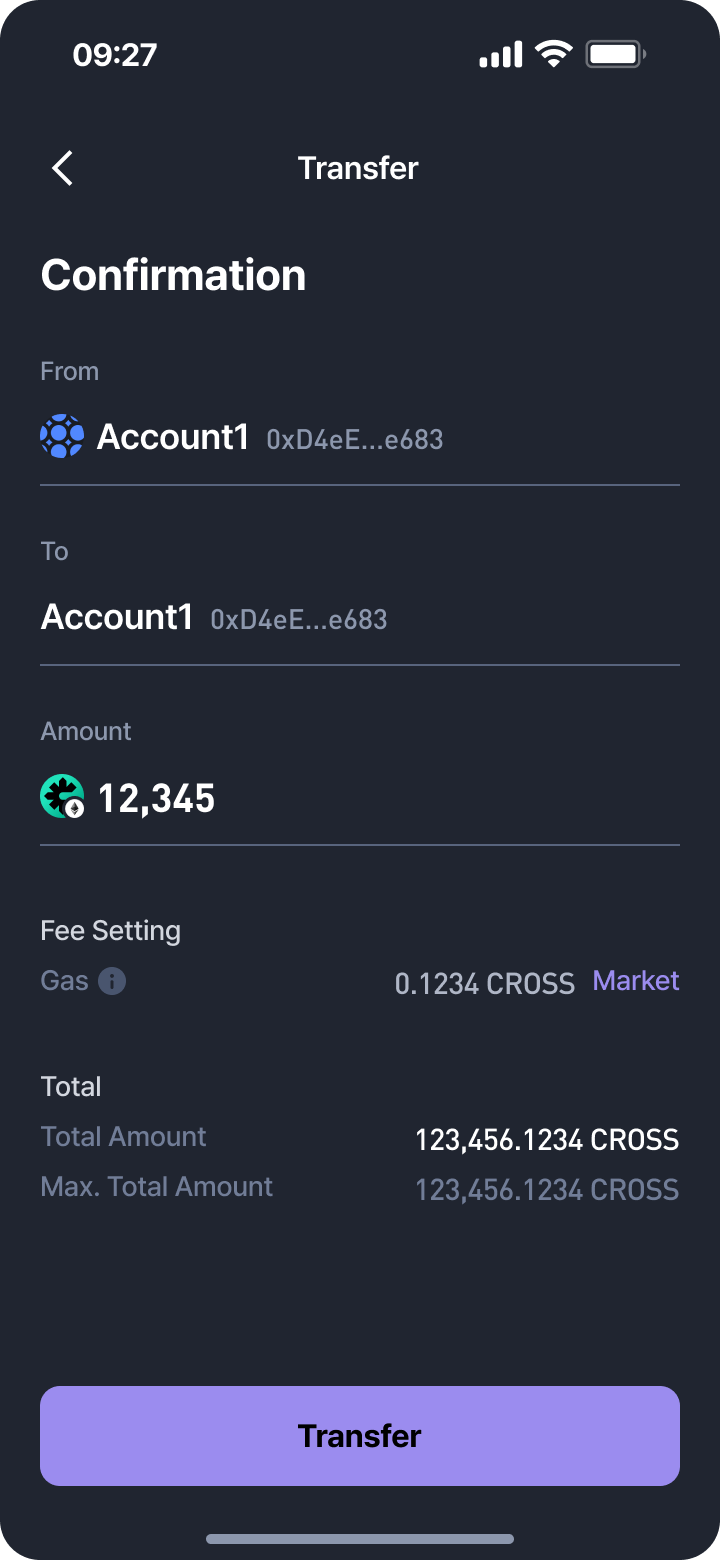
Confirmation
- Show sender and recipient account details
- Transfer amount
- Gas fee settings and display
- Total transfer amount (amount + fee)
-
Execute Transfer
- Tap
Transferto initiate blockchain transaction
- Tap
-
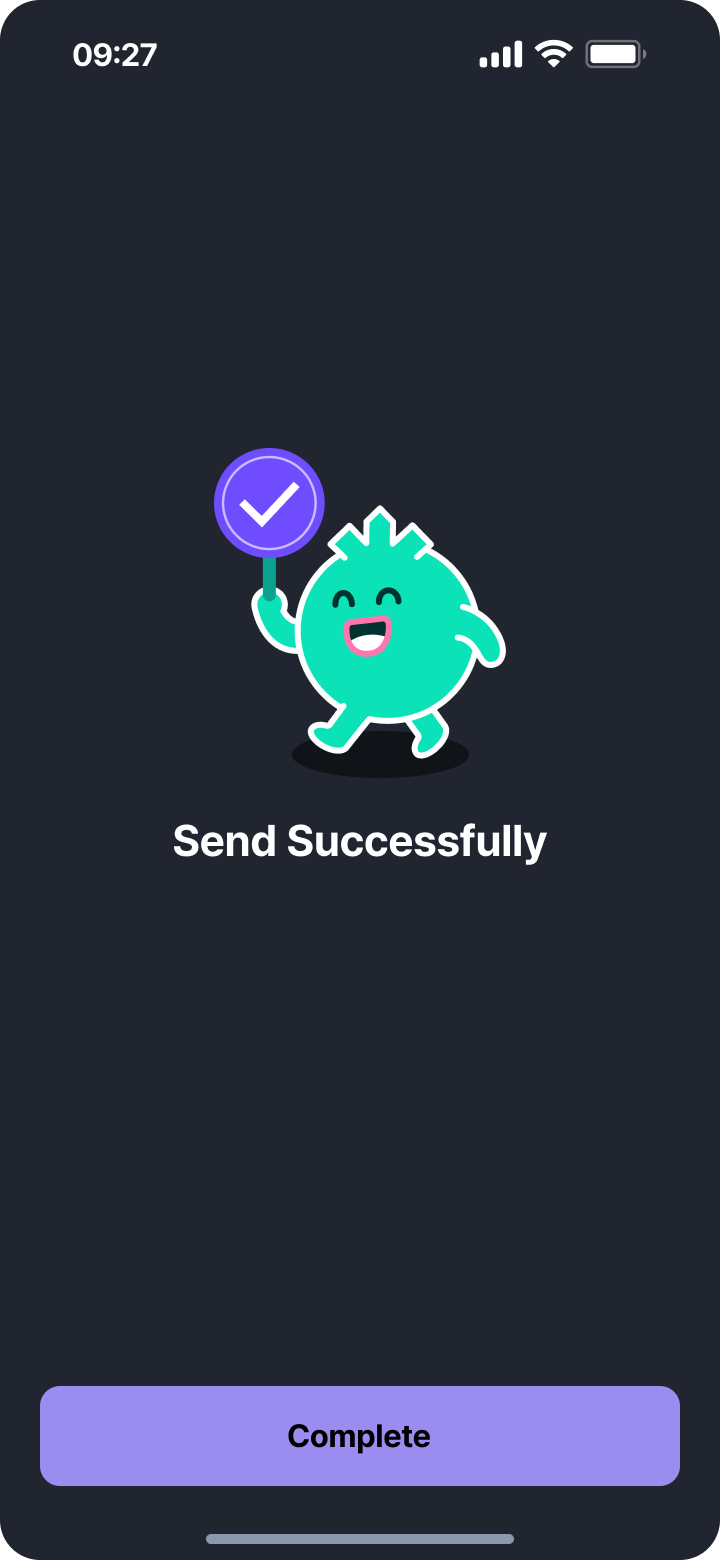
Success Screen
- Success animation
Completebutton to return to the main screen
4. Tips
- Always double-check the recipient address before sending.
- Gas fees may vary depending on network conditions.
- Token transfers are irreversible—incorrect transfers cannot be recovered.
If you’d like, I can also format this into a fully structured wiki article with a table of contents, section anchors, and screenshot placement markers so it can be published directly to your documentation site.
Updated 2 months ago