
CROSSx
What is CROSSx?
CROSSx is an all-in-one Web3 super app designed to provide seamless access to all functions of the CROSS blockchain ecosystem in a single platform.
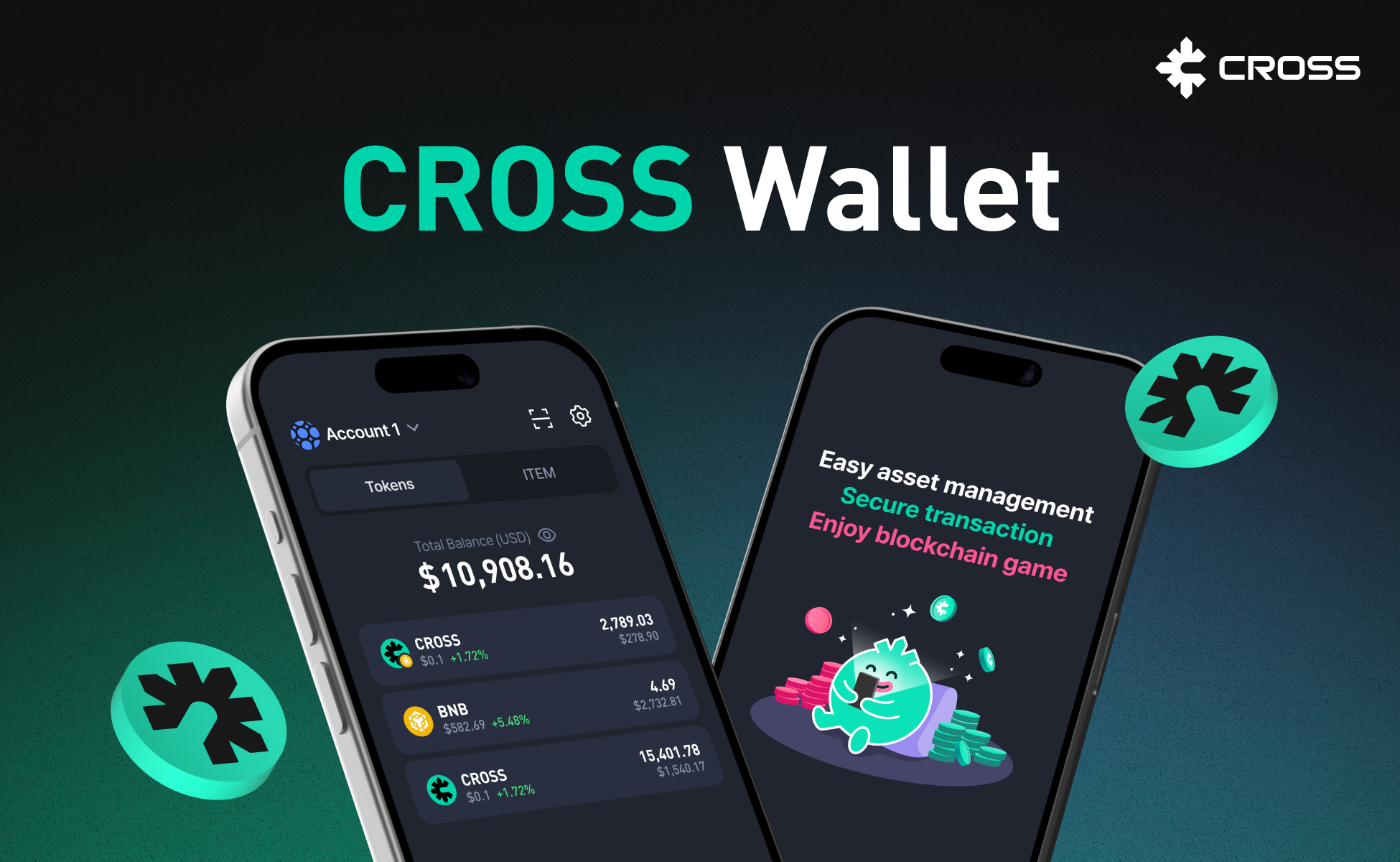
Features
-
✅ Game-Centric Web3 Services
Easily manage and trade game assets based on the CROSS ecosystem.
Supports tokenization and real-time trading of in-game items as NFTs. -
✅ User-Friendly UX/UI
Intuitive interface designed for beginners.
Available on both mobile and web (coming soon). -
✅ Scalability and Connectivity
Expands into a multi-chain ecosystem via integration with various blockchains.
SDKs and APIs for Web3 developers will also be provided.
How to Install CROSSx
Android
-
Open the Play Store and search for 'CROSSx'.
-
Or use the following link to download the app:
Download CROSSx on Google Play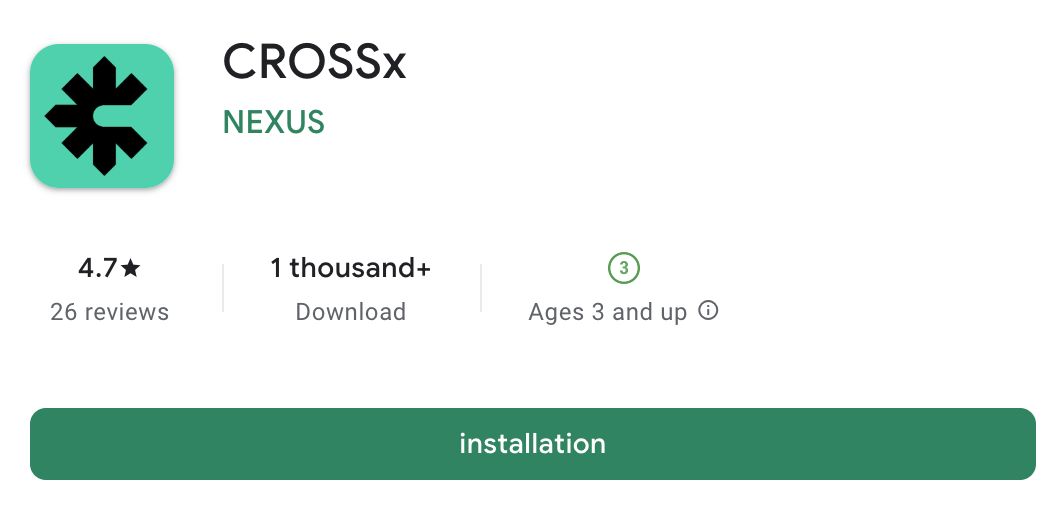
-
-
Click "Install" or tap the app name to view more details. Follow the standard Play Store installation process.
-
Once installed, open the app and follow the prompts to create your wallet.
-
Make sure to back up your secret recovery phrase in a secure offline location!
iOS
-
Open the App Store and search for 'CROSSx'.
-
Or use the following link to download the app:
Download CROSSx on the App Store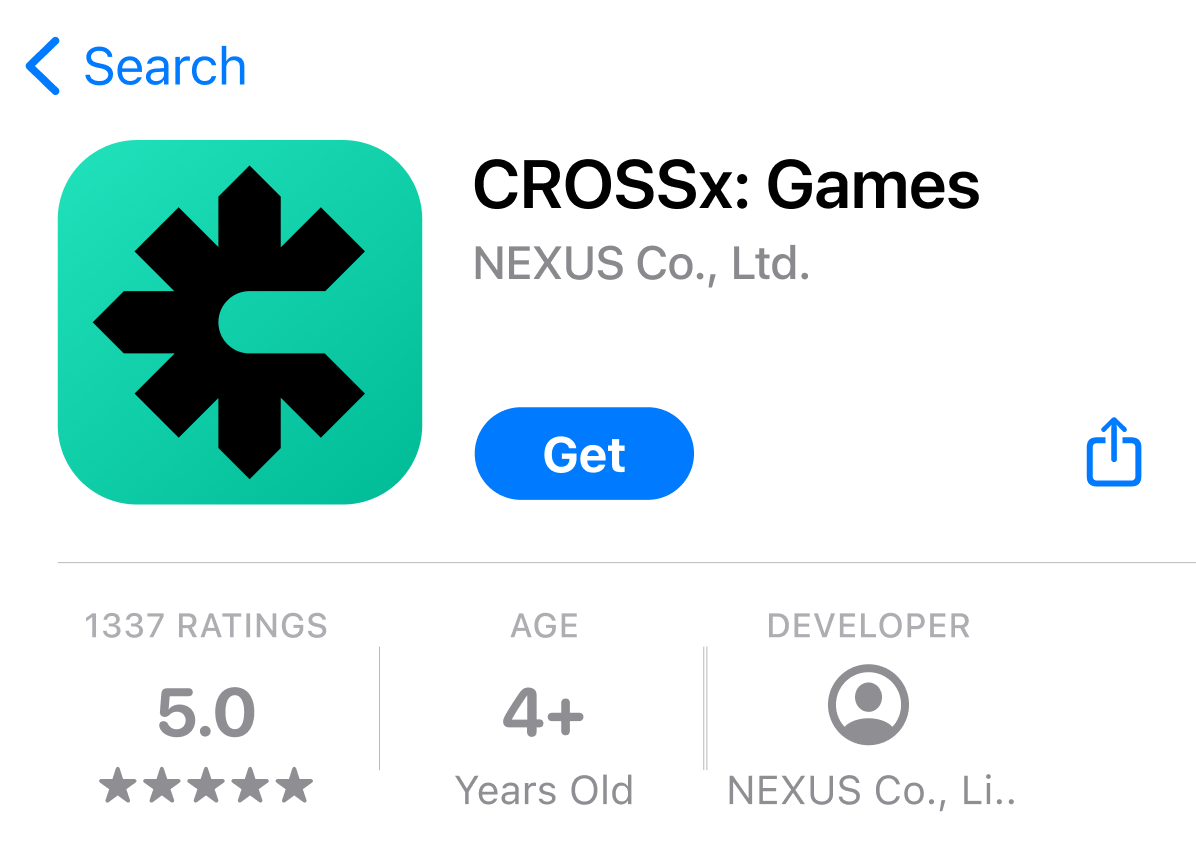
-
-
Tap "Get" to begin installation. Follow the usual App Store process to install the app.
-
Once installed, open the app and follow the prompts to create your wallet.
-
Make sure to back up your secret recovery phrase in a secure offline location!
Learn more
CROSSx is both the gateway and the hub of the Web3 world.
Start your blockchain journey with a single wallet—
Discover it now with CROSSx.
Thank You!
Updated about 1 year ago