
CROSSx 2.0
What is CROSSx?
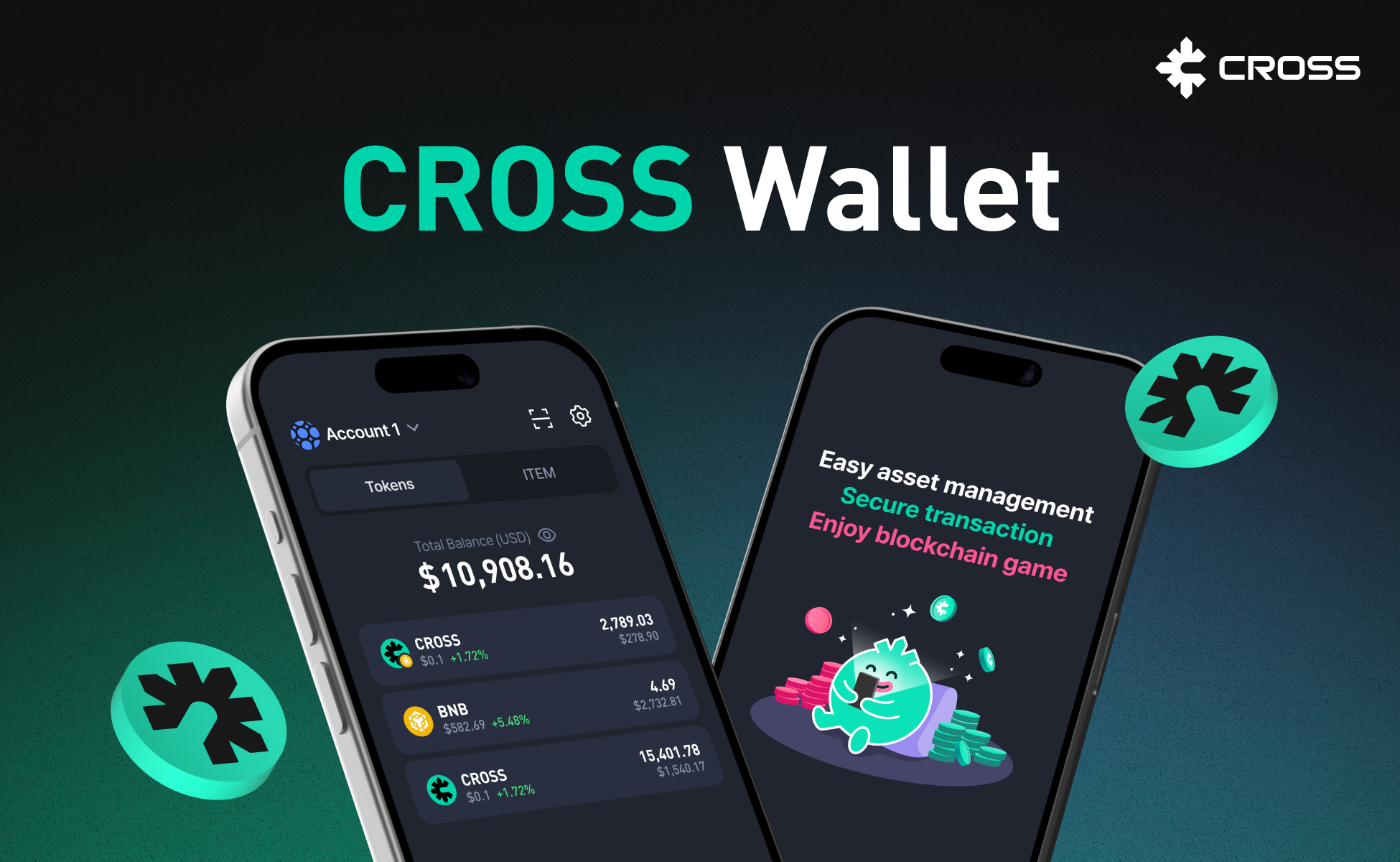
CROSSx is an all-in-one Web3 super app and the unified gateway to the CROSS blockchain ecosystem. Built as a game-centric multi-chain wallet, CROSSx integrates wallet management, DeFi services, and game asset trading into a single native experience across mobile (iOS/Android) and web.
Features
✅ Embedded Wallet (Social Login)
Create your wallet instantly with Google or Apple sign-in — no seed phrases needed. Your private keys are protected in a Trusted Execution Environment (TEE), and you can export them anytime with multi-factor authentication.
✅ Game-Centric Asset Management
Manage and trade game tokens and NFTs natively within the app. CROSSx is purpose-built for the CROSS gaming ecosystem with integrated DEX (GameToken), Forge marketplace, and Rewards staking.
✅ All-in-One DeFi Hub
Access Swap (GameToken), Bridge, Staking, Forge, RAMP (on/off-ramp), and Rewards — all as native features, not browser-based webviews. Every DeFi service runs within the app for a seamless experience.
✅ Multi-Chain Support
Manage assets across CROSS Mainnet, BSC (BNB Smart Chain), and TVM (TON) from a single wallet. Chain abstraction lets you interact with multiple blockchains without switching apps.
✅ Portfolio Dashboard
View your consolidated assets across all services — Rewards, GameToken, Staking, Prediction, and Forge — in a unified portfolio with real-time balances and quick actions.
✅ Developer-Friendly
SDKs for JavaScript (React/Vanilla), Unity, and native mobile (Android/iOS). CROSSx 2.0 APIs enable game developers to integrate wallet and DeFi features directly into their games.
How to Install CROSSx
Android
-
Open the Play Store and search for 'CROSSx'.
-
Or download via direct link:
Download CROSSx on Google Play
-
-
Tap "Install" and follow the standard installation process
-
Once installed, open the app and sign in with Google or Apple to create your wallet
-
Your wallet is automatically secured. Optional: set up a transaction PIN for additional security
iOS
-
Open the App Store and search for 'CROSSx'.
-
Or download via direct link:
Download CROSSx on the App Store
-
-
Tap "Get" to begin installation
-
Once installed, open the app and sign in with Google or Apple to create your wallet
-
Your wallet is automatically secured. Optional: set up a transaction PIN for additional security
Learn more
CROSSx is your gateway to the CROSS gaming ecosystem. One wallet, multiple chains, every DeFi service — all native, all in one app. Start your Web3 journey with CROSSx.
Thank You!
Updated 5 months ago